

Back in July, I was gifted the brand-new Samsung Galaxy Buds3 at the Galaxy Unpacked event. Life’s been busy, so I’m only getting to this unboxing now—but I’ve already seen glowing reviews from some of my favourite tech YouTubers, and I was excited to finally dive in myself.
These buds seemed perfect for catching up on YouTube late at night, listening while I’m out walking or cycling, and generally enjoying content when speakers aren’t an option. Plus, with Galaxy AI built-in, there’s a lot to be curious about.
Staying Connected with Vodacom & YouTube
Before diving into the unboxing, a quick shout-out to Vodacom and YouTube, who made this video possible. They’ve launched an amazing prepaid LTE bundle:
-
15GB for just R99
-
5GB anytime data
-
5GB Night Owl data
-
5GB YouTube data free
You can grab it on VodaPay or by dialing *123#. This deal is perfect for streaming your favourite creators without stressing about data, and it’s valid until the end of September. Don’t miss out if you want to vibe with your faves.
Vibe with your fave by buying the PrePaid LTE bundle on VodaPay or *123# which is 15GB for R99, that is 5GB Any time data, 5GB Night Owl data and 5GB YouTube Data FREE. Ts & Cs apply
Unboxing the Galaxy Buds3
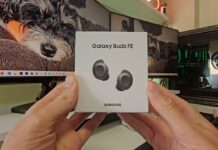
The white version of the Galaxy Buds3 comes in sleek packaging with Samsung’s usual clean branding. On the back, the key features are highlighted:
-
Ultra-high-quality sound
-
Adaptive ANC (active noise cancelling)
-
Sound optimisation with Galaxy AI
-
Comfortable open-type fit
-
Compatibility with Android 10+ devices with at least 1.5GB RAM
Inside the box:
-
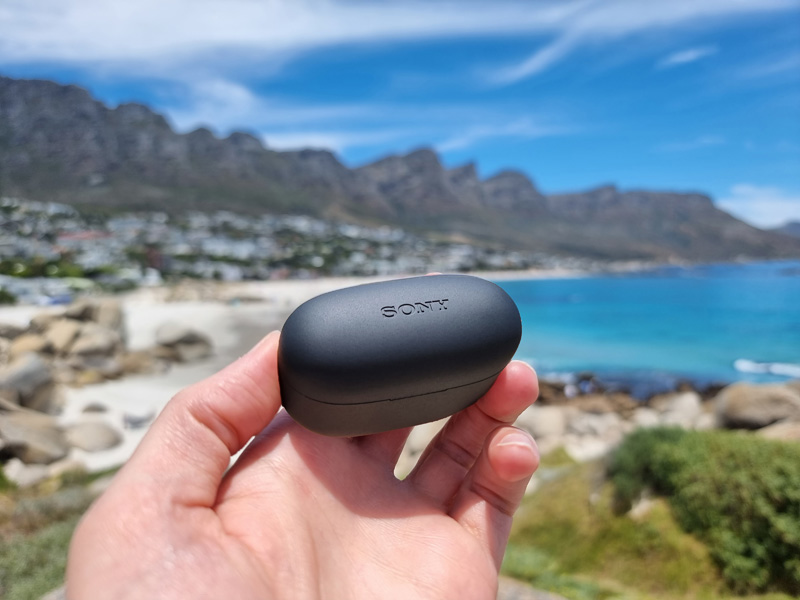
Galaxy Buds 3 in a clear charging case (with USB-C port and reset button)
-
USB-C to USB-C charging cable
-
Quick Start Guide
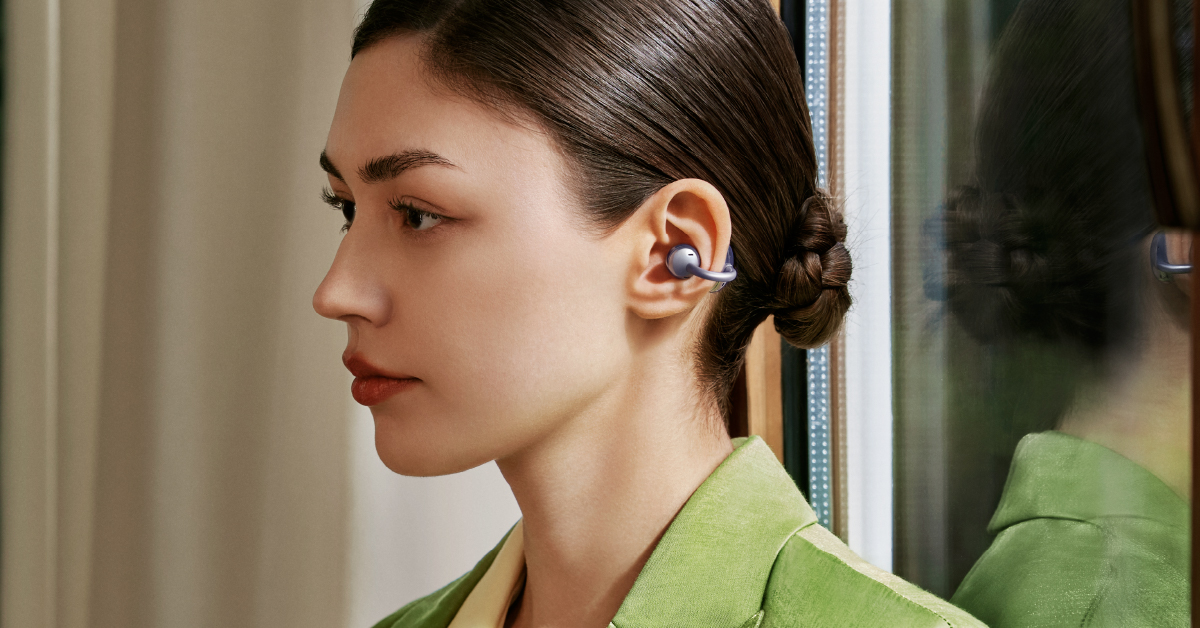
The buds themselves feature a new angled open-type design that reduces ear canal pressure while staying secure—ideal for long sessions. Compared to the older Buds FE, the Buds3 have a lighter, more modern aesthetic, with subtle, clear accents and matching color indicators (blue for left, orange for right).
Features & Setup
Connecting the Buds3 is seamless. Open the case near your phone, and the Galaxy Wearables app takes care of the pairing. From there, software updates roll in, unlocking a suite of features:
-
Dynamic 11mm speaker with Hi-Fi audio powered by Samsung’s seamless codec
-
Galaxy AI sound optimisation in real time
-
Adaptive ANC with customizable listening modes per app
-
360 Audio with head tracking for immersive sound
-
Blade gestures (pinch, swipe) for playback and volume control
-
Voice commands for hands-free use
-
Wellness features via Samsung Health & Calm integration
-
IP57 water and dust resistance
-
Up to 30 hours battery life with case
The customisation options stand out—each app can have its own sound settings, from EQ adjustments to 360 audio. There’s even 360 audio recording, letting you capture realistic 3D sound when filming videos with your Galaxy device.
First Impressions
The case feels premium, and the buds sit comfortably in-ear with an intuitive control scheme. The swipe gestures for volume and pinch commands for playback feel natural. Switching between apps with customised audio settings is surprisingly handy, and the 360 audio feature adds depth to both music and video.
So far, the Galaxy Buds3 strike an impressive balance between comfort, sound quality, and smart features. With AI-driven audio optimisation, long battery life, and thoughtful extras like app-specific sound tuning, they’re shaping up to be an excellent addition to Samsung’s ecosystem.
I’ll be spending more time testing them, but first impressions are very positive.
And once again, thanks to Vodacom and YouTube for sponsoring and making it easier for all of us to stream, vibe, and stay connected without breaking the bank.